
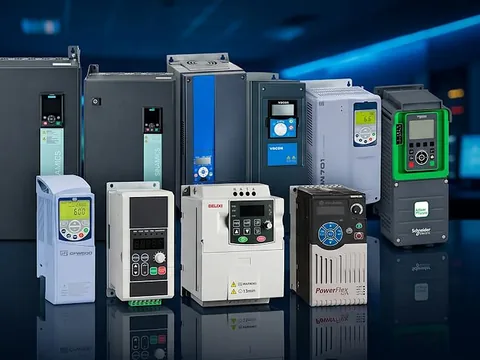
 All products



















Measurement
Pressure Switches
Mechanical and electronic pressure switches. 13 products from 3 brands.
About pressure switches
A pressure switch opens or closes an electrical circuit when the pressure reaches a set point. Mechanical pressure switches use a bellows or diaphragm acting on a microswitch: they need no power supply and have an adjustable set point and differential. Electronic pressure switches use a pressure sensor with switching outputs, and usually add a display, adjustable switching behaviour and an analogue or IO-Link output. Pressure switches are used to start and stop pumps and compressors, raise alarms on low or high pressure, and confirm that a system is pressurised before a machine is allowed to run.
This page lists 13 pressure switches from Danfoss, SICK and ifm, including mechanical switches for refrigeration, compressors and pumps, and electronic switches for hydraulics, pneumatics and process monitoring. Use the brand shortcuts or the filters to narrow the list, open a product for its information sheet, and add the models you need to one quotation request.
All pressure switches
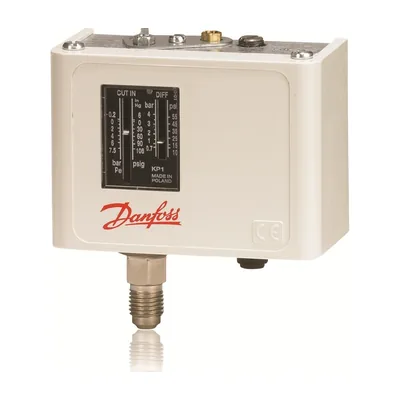
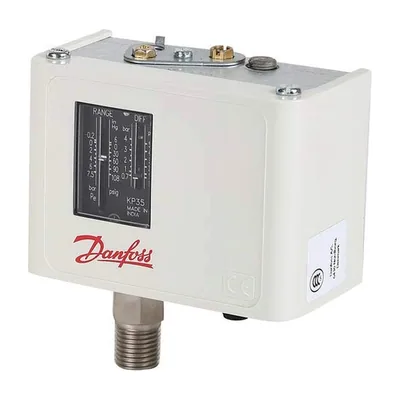
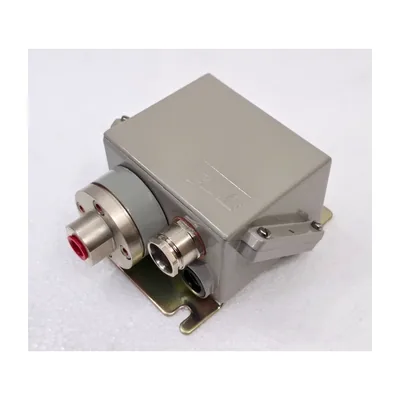

SICK
SICK PBS plus PBS2-RB010SG1SSDLMA0Z
Electronic pressure switch
View product: SICK PBS plus PBS2-RB010SG1SSDLMA0Z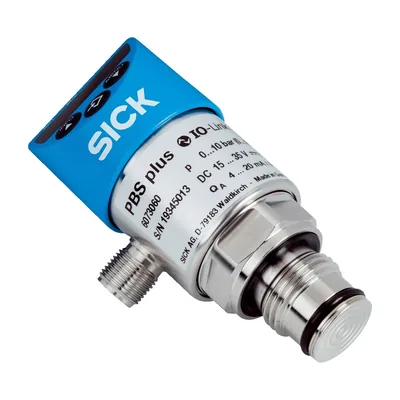
SICK
SICK PBS plus PBS2-RB025SG1SSDLMA0Z
Electronic pressure switch
View product: SICK PBS plus PBS2-RB025SG1SSDLMA0Z
SICK
SICK PBS plus PBS2-RB100SG1SSDLMA0Z
Electronic pressure switch
View product: SICK PBS plus PBS2-RB100SG1SSDLMA0Z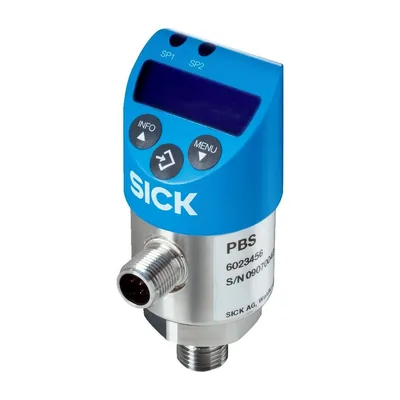
SICK
SICK PBS plus PBS2-RB250SG1SSDLMA0Z
Electronic pressure switch
View product: SICK PBS plus PBS2-RB250SG1SSDLMA0Z
SICK
SICK PBS plus PBS2-RB400SG2SS0LMA0Z
Electronic pressure switch
View product: SICK PBS plus PBS2-RB400SG2SS0LMA0Z



No products match these filters.
Try removing a filter or searching by model number. Can’t find what you need? Contact us with the part number.
Buying guide
Choosing a pressure switch
A pressure switch is chosen for the pressure range, the switching function and how it connects to the system. These are the points to check before you request a quotation.
Pressure range and set point
Choose a measuring range that puts the set point comfortably inside it rather than at the extreme ends. Check whether you need gauge, absolute or vacuum pressure. Electronic switches with a display make it easier to set and check the switching points during commissioning.
Switching differential
The differential, or hysteresis, is the difference between the switch-on and switch-off pressures. It prevents the output chattering when the pressure hovers near the set point. Mechanical switches often have an adjustable differential; electronic switches let you set both points.
Mechanical or electronic
Mechanical switches are simple, robust and need no power, which suits pumps, compressors and refrigeration. Electronic switches give precise, repeatable switching, a local display, several outputs and diagnostics.
Outputs and electrical connection
Mechanical switches usually have a changeover (SPDT) contact. Electronic switches have PNP or NPN transistor outputs and may add a 4 to 20 mA or 0 to 10 V analogue output or IO-Link. M12 connectors are common on electronic switches. IO-Link also allows parameters to be stored centrally and copied to a replacement switch.
Medium and materials
Confirm the medium, such as air, hydraulic oil, water or refrigerant, and its temperature. Wetted parts and seals must be compatible with it, and refrigerant applications need switches approved for the refrigerant used.
Process connection and overload
Check the thread, such as G1/4 or 1/4 NPT, and the maximum overload pressure. Pressure peaks from pumps and valves can exceed the normal range, so the switch's overload and burst pressure ratings matter.
Replacing an existing switch? Send us the model number or the pressure range, connection and output type with your quotation request.
Typical applications
- Hydraulic systems
- Compressed air
- Pumps and booster sets
- Refrigeration and HVAC
- Machine tools
- Water supply
- Filter monitoring
Keep browsing
Other product categories



Ready to price your list?
Send us the products and quantities you need, or describe your application, and our team will prepare a quotation.
- 01 Add products
- 02 Set quantities
- 03 Submit your request